
@Ansys
Client:
Deliverables:
User Research, UXUI
Year:
2025
About Ansys
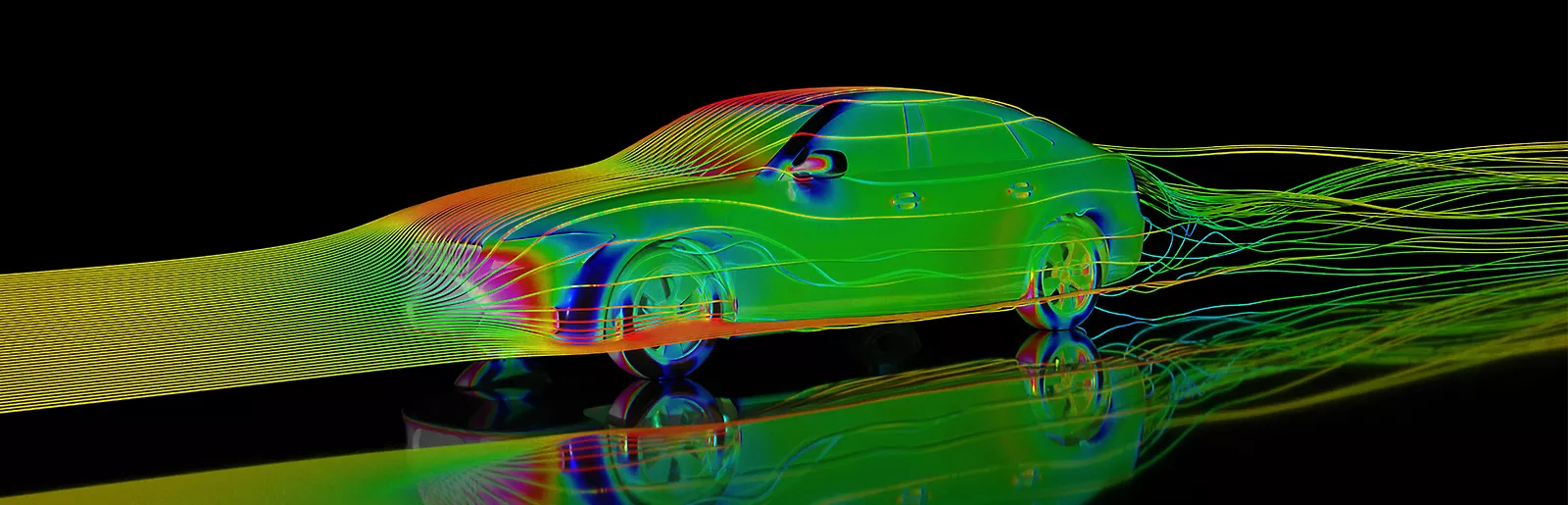
Ansys is a 3D physics-based engineering simulation tool (180K+ users) that enables engineers to virtually design, test, and optimise products before physical prototyping.

HUD (Head-Up Display) is a contextual toolbar that provides quick access to relevant controls directly within the 3D workspace.
HUD was the most called-out system during the usability testing and was marked as the highest-priority choice for improvement by participants.

B. What makes it hard to use?
The current HUD appears unpredictably, uses text-heavy instructions, and obstructs interaction with the model according to our survey responses.
We explored a top dock, a sidebar, and a radial layout. The top dock offered the best balance of usability and visual appeal.

I audited and grouped all HUD components to identify shared patterns and opportunities.

We redesigned the HUD from the atomic component level and docked it at the top to ensure a consistent layout without obstructing user interactions.
I replaced lengthy text with intuitive icons, making the HUD system easier to understand and learn.
Before (V1.0)

After (V2.0)

A. Hover State 🟡
For hover previews, I used a bright yellow outline to clearly indicate the preview state.
B. Selected State 🟠